BenQ Interactive Displays in Saudi Arabia: Comparing RP04, RM04, and RE04 for Education and Business
BenQ interactive displays have become one of the leading solutions for modern classrooms, training centers, and collaborative workspaces. Combining high-resolution displays, interactive whiteboarding tools, wireless content sharing, and cloud-based management capabilities, the BenQ Board lineup is designed to support both education and business environments.
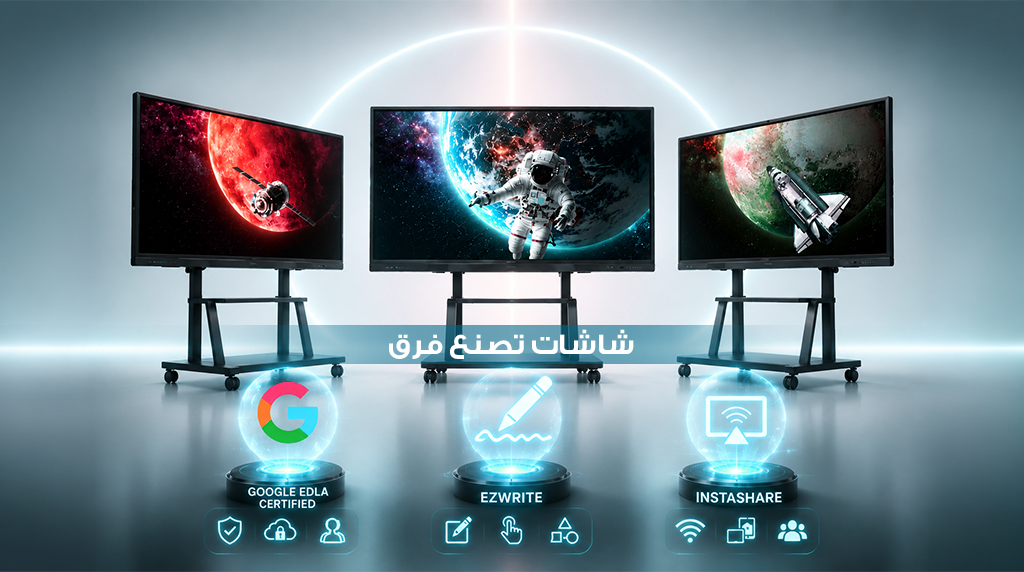
The BenQ Board family consists of three main series: BenQ Board Pro RP04, BenQ Board Master RM04, and BenQ Board Essential RE04. Each series is designed to address different requirements, from advanced hybrid learning environments to everyday classroom teaching and corporate collaboration.
All BenQ Board models are Google EDLA-certified, providing direct access to Google services, Google Play applications, and cloud-based productivity tools. They are also available in 65-inch, 75-inch, and 86-inch 4K UHD screen sizes, ensuring flexibility for various room sizes and use cases.
In this guide, we compare the RP04, RM04, and RE04 series, explore their key features, and help you determine which BenQ interactive display is best suited for your organization.
Overview of BenQ Board Interactive Displays
BenQ has developed the BenQ Board lineup to meet the needs of educational institutions, training centers, and businesses by combining interactive teaching tools, cloud connectivity, collaboration features, and device management solutions in a single platform.
BenQ Board Pro RP04
The RP04 represents the premium tier within the BenQ Board family. It is designed for schools, universities, and organizations that require advanced collaboration tools, superior performance, and enhanced classroom technology.
The display runs on Android 15 with Google EDLA certification and is powered by an octa-core chipset paired with 8GB of memory and 128GB of storage. It also features Ultra Precision IR technology with support for up to 50 touch points, making it one of the most advanced interactive displays in the BenQ lineup.
BenQ Board Master RM04
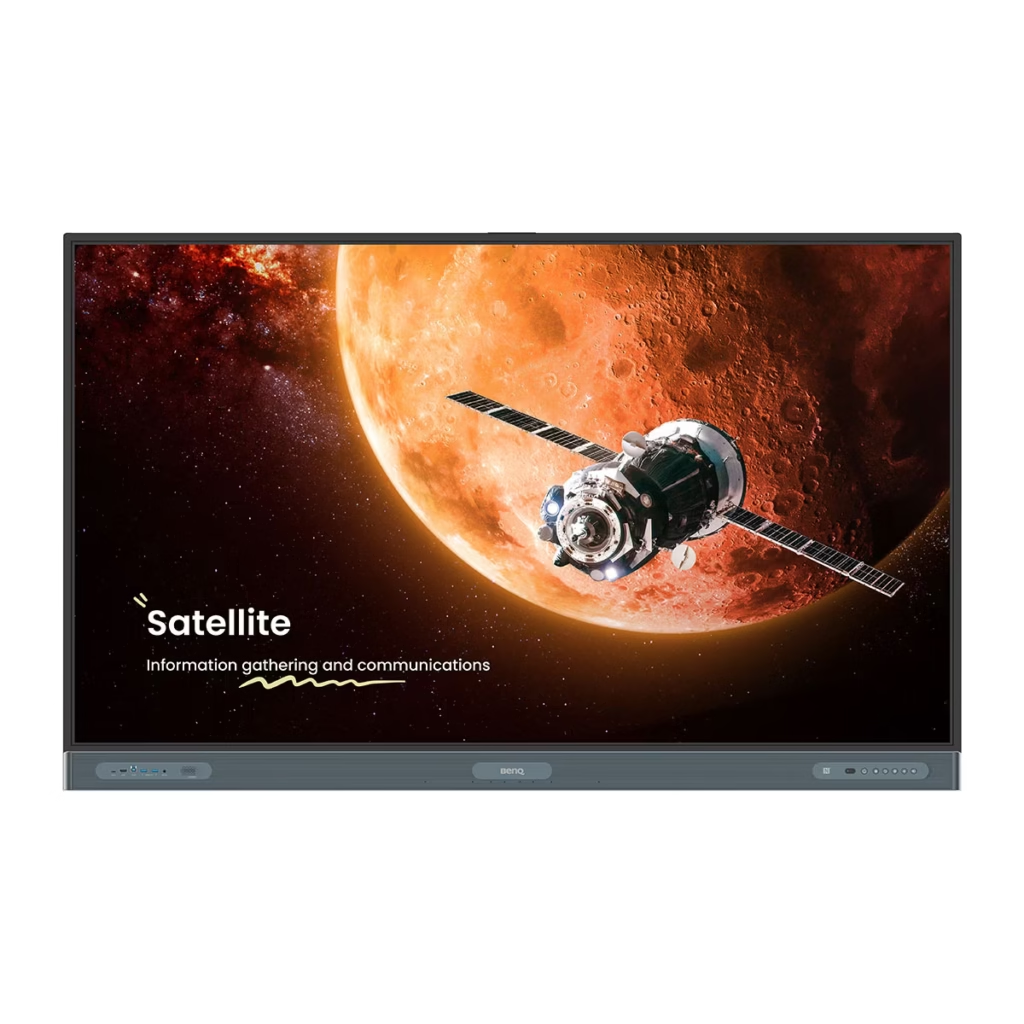
The RM04 is designed to provide a balance between performance and value. It delivers many of the advanced capabilities found in premium models while maintaining a cost-effective approach for schools, training centers, and meeting rooms.
It features Android 14 with Google EDLA certification, 8GB of memory, 128GB of storage, and High Precision IR technology supporting up to 40 simultaneous touch points. The RM04 also includes an integrated 8-microphone array and advanced wireless connectivity options.
BenQ Board Essential RE04
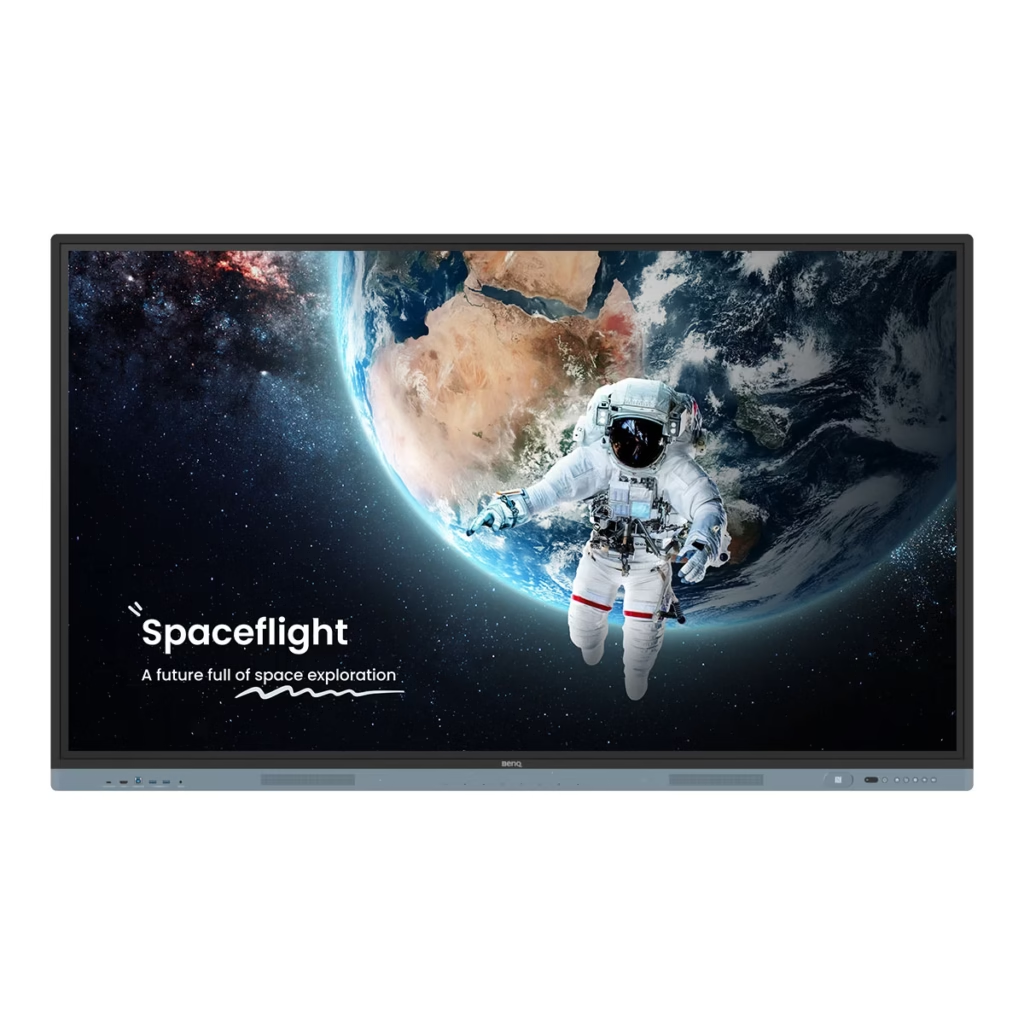
The RE04 serves as the entry-level solution within the BenQ Board portfolio. It is designed for institutions that require reliable interactive teaching and collaboration tools without the need for advanced premium features.
The display provides access to Google Workspace, Google Play, EZWrite 6, and InstaShare 2 while supporting up to 40 touch points. This makes it an ideal choice for schools and training centers seeking a practical and user-friendly interactive display solution.
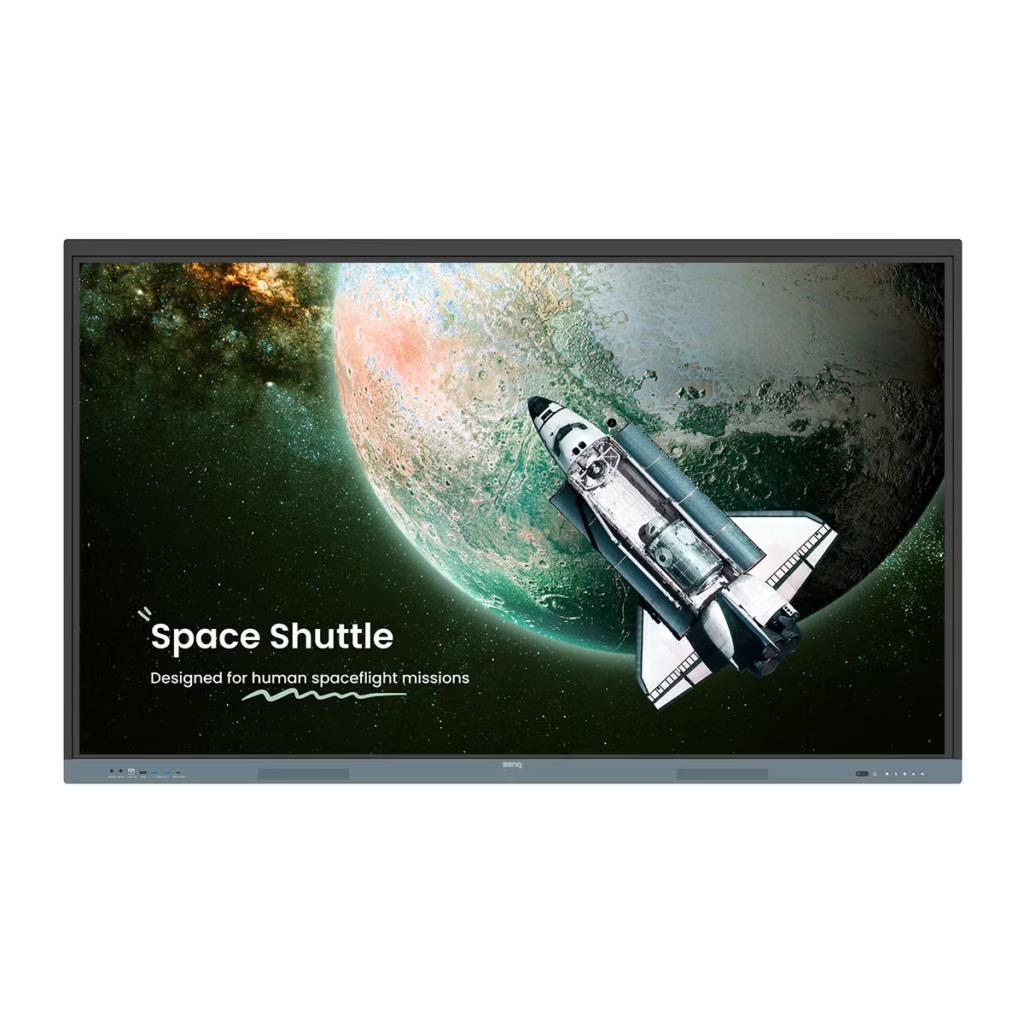
Comparing BenQ RP04, RM04, and RE04
Before selecting the right display for your organization, it is important to understand the key differences between the three BenQ Board series.
| Specification | RP04 Pro | RM04 Master | RE04 Essential |
| Resolution | 4K UHD | 4K UHD | 4K UHD |
| Available Sizes | 65″, 75″, 86″ | 65″, 75″, 86″ | 65″, 75″, 86″ |
| Operating System | Android 15 (EDLA) | Android 14 (EDLA) | Android 14 (EDLA) |
| Processor | A78 ×4 + A55 ×4 | A73 ×4 + A53 ×4 | A73 ×4 + A53 ×4 |
| Memory | 8GB | 8GB | 8GB |
| Storage | 128GB | 128GB | 128GB |
| Touch Points | Up to 50 | Up to 40 | Up to 40 |
| Audio System | 2×20W + 16W Subwoofer | 2×20W Speakers + 20W Subwoofer | 2×20W Speakers |
| Microphones | 8-Microphone Array | 8-Microphone Array | Not Available |
| NFC Login | Yes | Yes | No |
| Wi-Fi 6 | Yes | Yes | Yes |
| Bluetooth 5.2 | Yes | Yes | Yes |
| ClassroomCare Features | Advanced | Enhanced | Basic |
The comparison clearly shows that the RP04 is designed for organizations requiring the highest level of performance and classroom innovation. The RM04 provides a strong balance between features and cost, while the RE04 focuses on delivering essential interactive capabilities for everyday educational use.
BenQ Board Pro RP04 – The Ultimate Display for Smart Learning
The RP04 is the most advanced interactive display in the BenQ Board lineup. It is specifically designed to support modern teaching methodologies, hybrid learning environments, and highly collaborative classrooms.
Android 15 with Google EDLA
The RP04 operates on Android 15 with Google EDLA certification, providing direct access to Google educational services and Google Play applications. Teachers can easily access Google Drive, Google Docs, Google Slides, and Google Meet directly from the display without requiring additional devices.
This integration creates a seamless teaching experience while improving productivity and collaboration across classrooms.
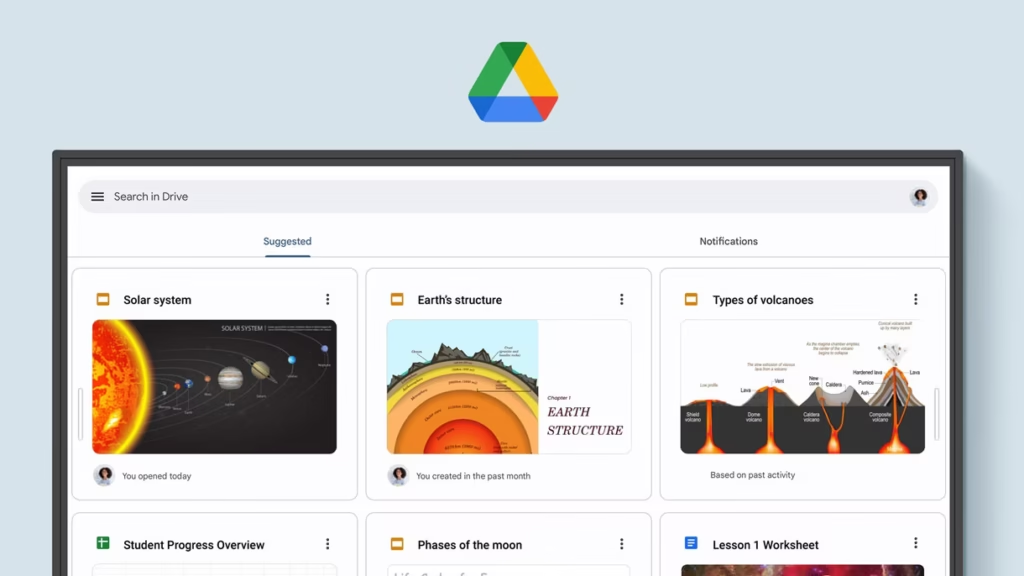
Built-In Google Educational Ecosystem
The RP04 comes with essential Google services pre-installed, allowing educators to access cloud-based teaching materials and applications immediately.
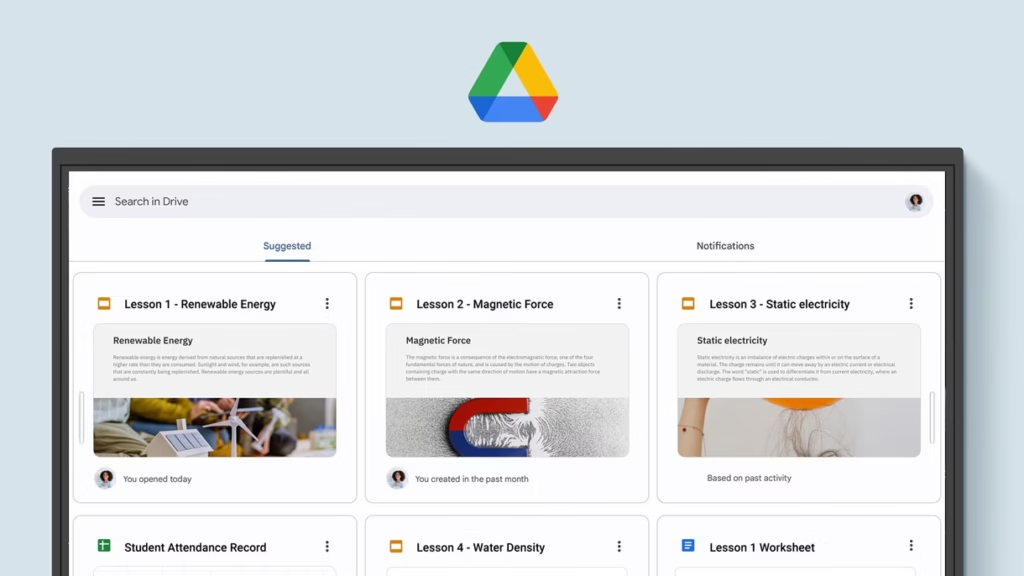
Teachers can open presentations, worksheets, lesson plans, and educational content directly from Google Drive, edit them during lessons, and save updates instantly to the cloud.
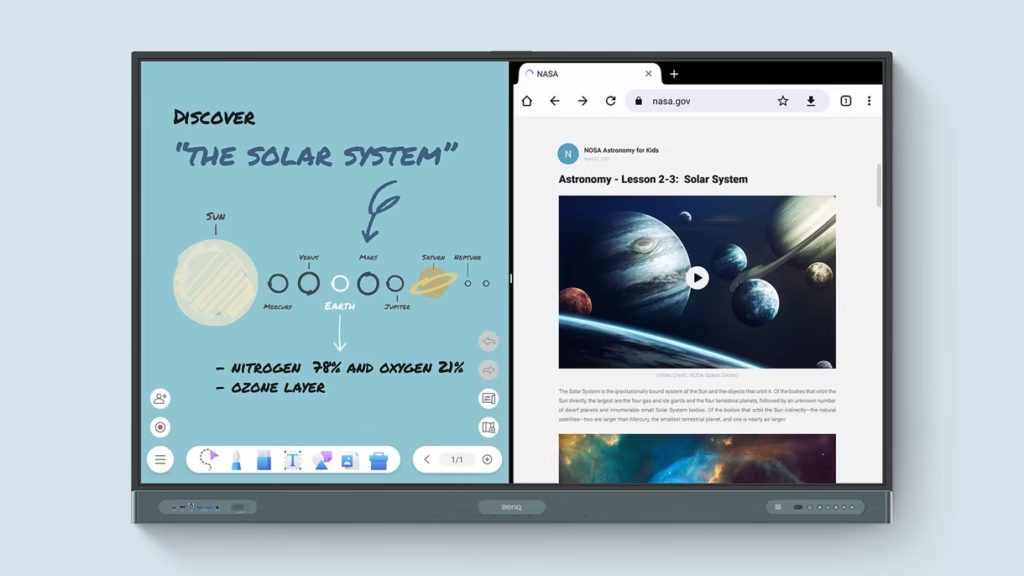
EZWrite 6 Interactive Whiteboard
EZWrite 6 transforms the RP04 into a powerful interactive teaching platform. Beyond basic writing and drawing, users can:
- Expand the writing canvas infinitely.
- Split the whiteboard into multiple sections.
- Import Office and PDF files.
- Annotate and save lesson materials.
- Share content with remote and in-person participants.
The platform also includes AI-powered tools such as text-to-speech, multilingual translation, and optical character recognition (OCR), helping improve accessibility and classroom engagement.
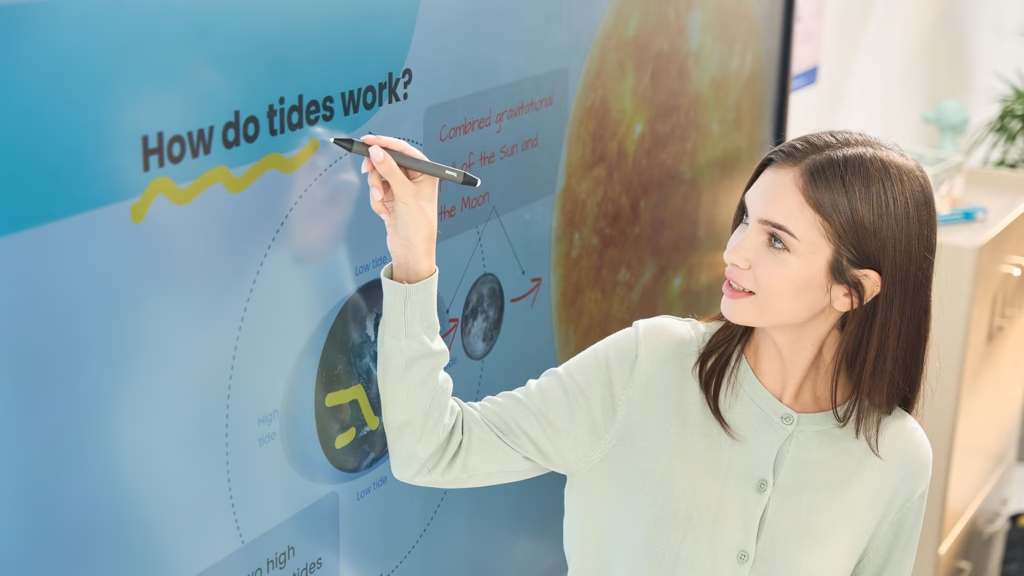
Ultra Precision IR with Up to 50 Touch Points
The RP04 uses Ultra Precision IR technology and supports up to 50 simultaneous touch points, allowing multiple students or participants to interact with the display at the same time.
Its highly responsive touch performance and natural writing experience create an environment that encourages collaboration and active participation.
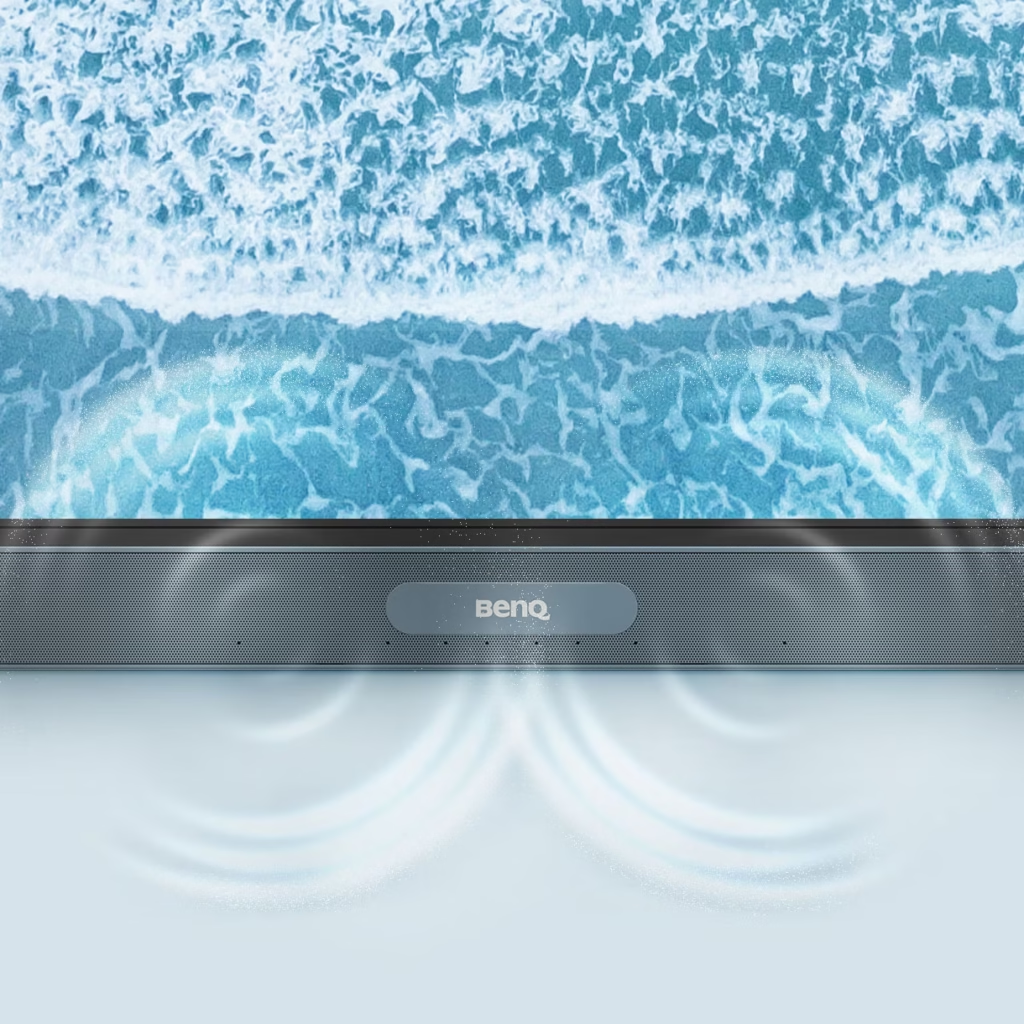
Advanced Audio System
The display is equipped with two front-facing 20W speakers and a 16W subwoofer, delivering powerful and immersive audio throughout classrooms and training rooms.
In addition, the built-in 8-microphone array ensures clear voice capture during lessons, presentations, and hybrid learning sessions.
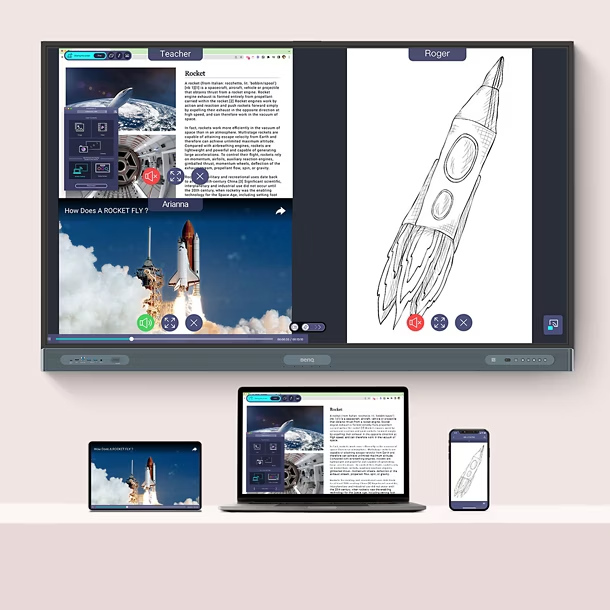
InstaShare 2 Wireless Collaboration
InstaShare 2 allows teachers, students, and presenters to wirelessly share screens from laptops, tablets, and mobile devices directly to the display.
Users can present content, manage shared screens, and facilitate collaborative discussions without relying on cables or external hardware.
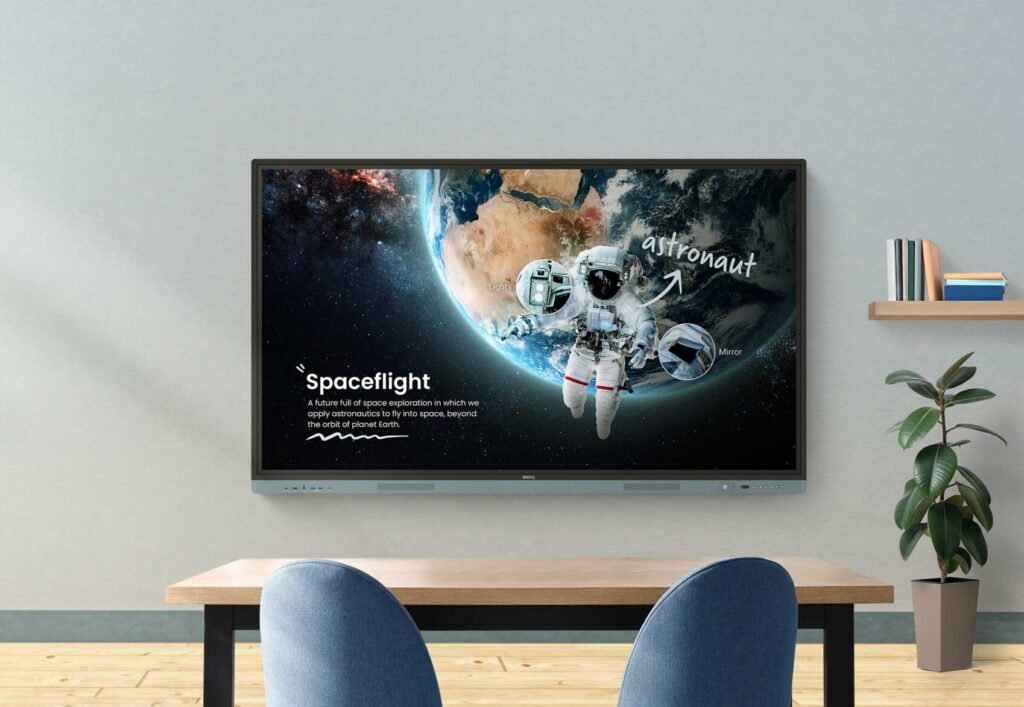
ClassroomCare for Healthier Learning Environments
The RP04 includes BenQ’s most advanced ClassroomCare technologies, designed to support student well-being and create healthier classrooms.
Key features include:
- Eyesafe® 2.0 certification
- Reduced blue light exposure
- Flicker-free display technology
- TÜV-certified germ-resistant screen surfaces
- Air quality monitoring sensors
- Built-in air ionizer
- IP5X dust protection
These technologies help create a safer and more comfortable learning environment for both students and teachers.

Best Applications for RP04
The RP04 is ideal for:
- Universities and higher education institutions
- Smart classrooms
- Hybrid learning environments
- Advanced training centers
- Organizations requiring premium collaboration feature
BenQ Board Master RM04 – The Perfect Balance Between Performance and Value
The BenQ Board Master RM04 series is designed for educational institutions, training centers, and organizations looking for an advanced interactive display that combines strong performance, easy management, and excellent value. It includes many of the features available in higher-end models while maintaining a well-balanced experience for teaching, collaboration, and meetings.
Android 14 with Google EDLA Certification
The RM04 runs on Android 14 with Google EDLA certification, providing direct access to official Google services and Google Play applications. Teachers, trainers, and employees can easily use Google Workspace applications in classrooms and meeting rooms.
The display also supports secure sign-in, cloud storage access, and simplified content management, helping organizations streamline their daily workflows.
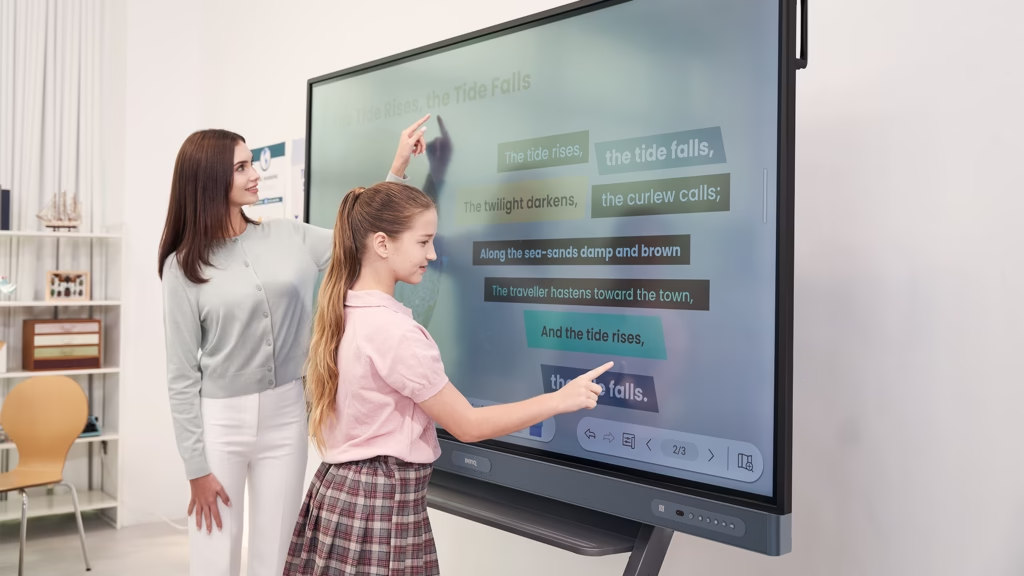
High Precision IR Touch Technology
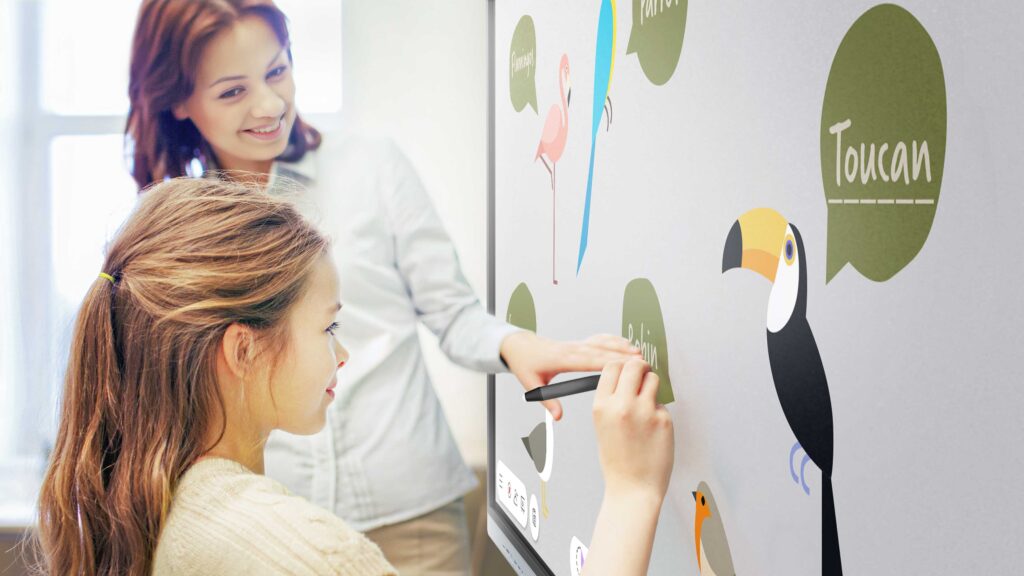
The RM04 features High Precision IR technology with support for up to 40 simultaneous touch points. This allows multiple users to interact with the screen at the same time during lessons, workshops, and collaborative sessions.
Its responsive touch performance and natural writing experience make it ideal for interactive learning and training environments.
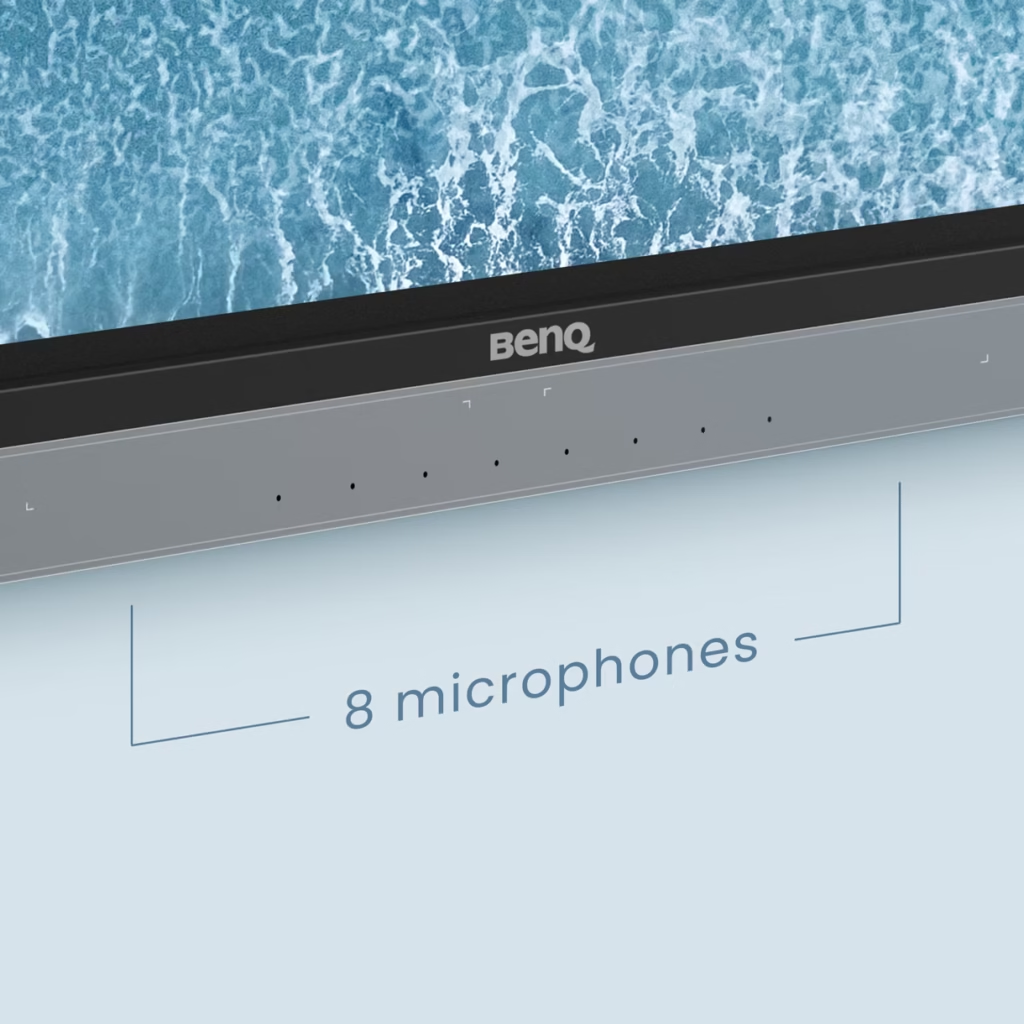
Built-In 8-Microphone Array
The RM04 includes an integrated 8-microphone array designed to improve voice capture during meetings, online training sessions, and hybrid learning environments.
This ensures clear audio for both in-room participants and remote attendees, making the display suitable for modern collaboration spaces.
Collaboration and Sharing Tools
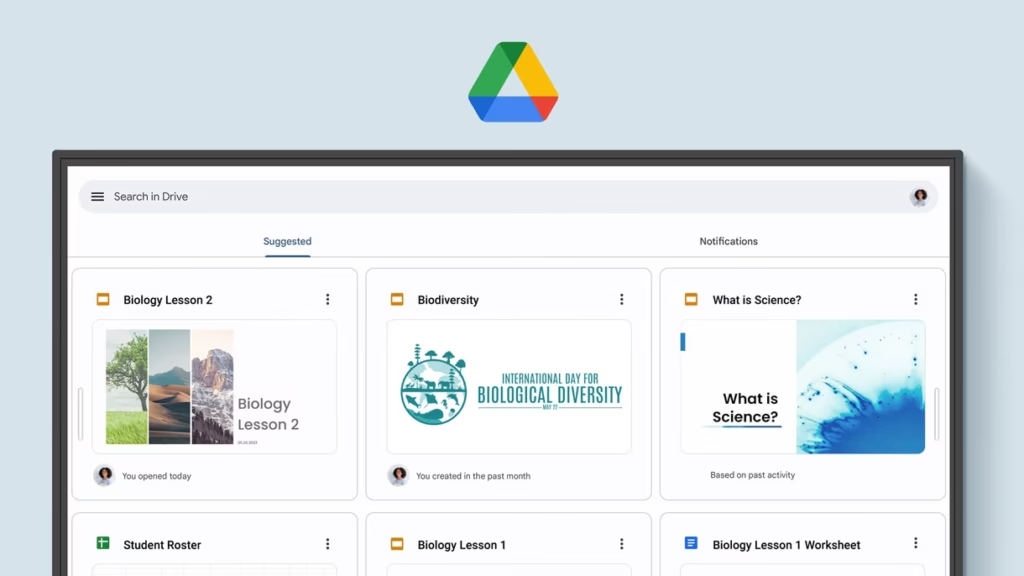
The RM04 comes equipped with BenQ’s collaboration ecosystem, including:
- EZWrite 6 interactive whiteboard software
- InstaShare 2 wireless screen sharing
- Google Drive cloud integration
- Google Meet support for online meetings and remote learning
These tools simplify content sharing and improve teamwork across educational and business environments.
Audio System Designed for Learning Spaces
The display includes a powerful audio system designed to deliver clear sound across classrooms, training rooms, and meeting spaces, reducing the need for additional audio equipment in many scenarios.
Best Use Cases for RM04
The RM04 is ideal for:
- K-12 schools
- Training and development centers
- Medium and large meeting rooms
- Organizations seeking a balance between features and budget
- Daily teaching and collaboration environments
BenQ Board Essential RE04 – Essential Interactive Features in One Display
The RE04 represents the entry-level model within the BenQ Board family. It is designed for organizations that need a reliable interactive display with essential teaching and collaboration tools while maintaining ease of use and cost efficiency.
Despite being the most accessible option in the lineup, it still offers a wide range of features required for modern educational environments.
Access to Google Workspace and Google Play
Thanks to Google EDLA certification, users can access a variety of Google services directly from the display, including:
- Google Drive
- Google Docs
- Google Slides
- Google Meet
- Google Play
This simplifies access to educational resources and cloud-based collaboration tools.
EZWrite 6 Interactive Whiteboard
The RE04 includes EZWrite 6, allowing teachers and trainers to create interactive lessons, annotate content, and collaborate in real time.
Users can also import Office documents and PDF files, make annotations, save changes, and share content after each session.
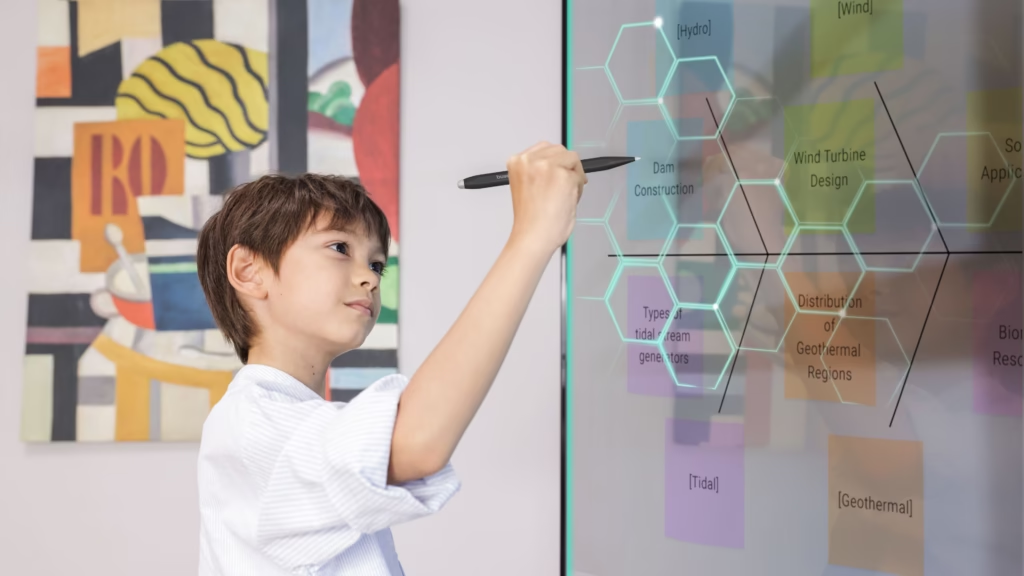
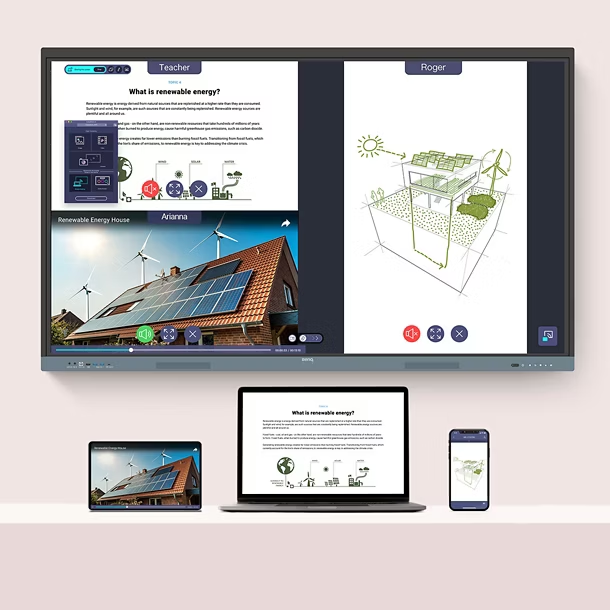
InstaShare 2 Wireless Sharing
Teachers, presenters, and team members can wirelessly share content from laptops, tablets, and mobile devices directly to the display, reducing cable clutter and simplifying presentations.
Precision IR Touch with Up to 40 Touch Points
The display supports up to 40 simultaneous touch points, making it suitable for group activities and collaborative learning sessions.
Practical Design for Educational Environments
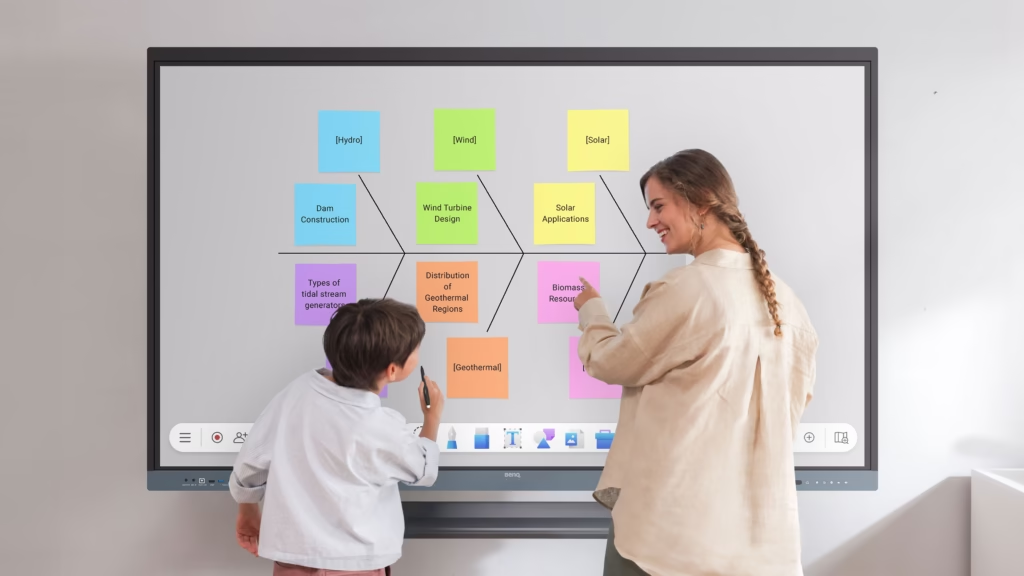
The RE04 is designed to deliver the core functionality required in classrooms and training centers while maintaining a simple and user-friendly experience.
Best Use Cases for RE04
The RE04 is suitable for:
- Schools
- Educational institutes
- Training centers
- Budget-conscious organizations
- Classrooms requiring reliable interactive functionality
Shared Features Across All BenQ Board Interactive Displays
Although the three series are designed for different requirements, they all share several core features that create a powerful teaching and collaboration experience.
Google EDLA Certification
All BenQ Board displays support official Google services and Google Play applications, providing access to the latest educational and productivity tools.
EZWrite 6
Every model includes EZWrite 6, BenQ’s interactive whiteboard solution designed for teaching, brainstorming, and collaboration.
InstaShare 2
All series support wireless content sharing from multiple devices, making collaboration more efficient and flexible.
Remote Device Management
IT administrators can manage displays remotely through BenQ management solutions such as:
- DMS for device management
- AMS for account management
- IAM for user synchronization and permissions
Security and Data Protection
BenQ Boards support multi-factor authentication, user management, and Google Play Protect, helping organizations maintain a secure digital environment.
Available Screen Sizes
All three series are available in:
- 65-inch
- 75-inch
- 86-inch
This allows organizations to select the most appropriate display size for classrooms, training rooms, and meeting spaces.
Which BenQ Board Series Is Right for You?
Choosing between RP04, RM04, and RE04 depends on your organization’s requirements and intended use cases.
| Requirement | Recommended Series |
| Highest level of performance and interactivity | RP04 |
| Advanced hybrid learning environments | RP04 |
| Universities and large institutions | RP04 |
| Best balance of performance and value | RM04 |
| Schools and training centers | RM04 |
| Daily meetings and collaboration | RM04 |
| Essential educational functionality | RE04 |
| Budget-conscious organizations | RE04 |
| Best value for money | RE04 |
Organizations seeking the most advanced teaching and collaboration features should consider the RP04. Those looking for a balance between performance and budget will find the RM04 an excellent choice, while the RE04 provides a practical solution focused on core interactive capabilities.
Adowa Alshamel – BenQ Interactive Display Solutions in Saudi Arabia
Adowa Alshamel provides BenQ interactive display solutions for educational institutions and businesses across Saudi Arabia, helping organizations select the right display based on their specific needs.
Services include:
- Supply of all BenQ Board series
- Product consultation and recommendations
- Installation and deployment
- System setup and configuration
- User training
- Technical support and after-sales services
By understanding the needs of modern learning and working environments, Adowa Alshamel helps organizations maximize the value of their BenQ interactive display investments.
Frequently Asked Questions
What is the difference between RP04, RM04, and RE04?
The RP04 is the premium series with the most advanced features and performance. The RM04 offers a balance between functionality and cost, while the RE04 focuses on delivering essential interactive features at an accessible price point.
Do BenQ Boards support Google applications?
Yes. All Google EDLA-certified BenQ Board models support official Google services and Google Play applications.
What screen sizes are available?
BenQ Board displays are available in 65-inch, 75-inch, and 86-inch sizes.
Can BenQ Boards be used for meetings?
Yes. BenQ Boards are suitable for meetings, collaboration sessions, and training environments, particularly the RM04 series.
Which BenQ Board is best for schools?
The ideal choice depends on the institution’s needs. The RP04 offers the most advanced capabilities, while the RM04 provides an excellent balance of features and value for many schools and training centers.
Conclusion
BenQ interactive displays provide a complete range of solutions for education and business environments. From the RE04 Essential series to the balanced RM04 Master series and the premium RP04 Pro series, organizations can select a solution that aligns with their operational requirements and budget.
Choosing the right interactive display depends on factors such as intended use, number of users, and required features. With consultation, installation, and support services from Adowa Alshamel, organizations can confidently implement the most suitable BenQ Board solution and unlock the full potential of interactive collaboration.
Looking for the right BenQ interactive display for your school, university, or organization? Contact Adowa Alshamel for expert consultation and assistance in selecting the BenQ Board series that best matches your requirements.
https://adowaalshamel.com.sa/get-a-free-quote-page/